All tools
Twitch VOD editing tools, honestly reviewed
Every tool a Twitch editor reaches for, with the actual tradeoffs. We publish vod.ing — and we'll still tell you when one of these is the better pick.
| Tool | Pricing | Platform | Best for |
|---|---|---|---|
| vod.ing Browser-based VOD editor that finds highlights from chat activity and renders chat overlays without ever downloading the source file. | Free chat renderer (10 renders/day, 3 min each); paid plans for full editing | Web (browser) | Editors who work with multiple long streams per week and want chat-driven highlight detection plus broadcast-quality overlay rendering without local file management. |
| TwitchDownloader Free, open-source CLI and GUI to download Twitch VODs, clips, and chat — and render chat overlays. | Free, open source | Windows / Linux / macOS (CLI + GUI) | Solo editors who want full local control, no subscription, and are comfortable with command-line workflows. |
| Eklipse AI-driven highlight clipper for gaming streams — auto-detects moments and formats them for TikTok / Reels / Shorts. | Free tier (720p, 15 highlights/stream); paid plans from ~$7.50/month | Web | Streamers who want a constant feed of vertical clips for social with minimal manual review. |
| StreamLadder In-browser editor that turns Twitch / YouTube / Kick clips into TikTok / Reels / Shorts. | Free tier with watermark; paid plans for HD + AI features | Web | Editors making polished short-form clips quickly without leaving the browser. |
| OpusClip AI long-form-to-short-form clipper with virality-score ranking. | Free tier; paid plans for higher minute quotas + HD | Web | Streamers whose VODs are dialogue-heavy (Just Chatting, IRL, podcast-style) and want maximum short-form coverage. |
| Hype Desktop app for creating clips from Twitch VODs. | Free with Patreon whitelist; otherwise restricted | Desktop | Hobbyist clipping where you just need cuts — no overlays, no automation. |
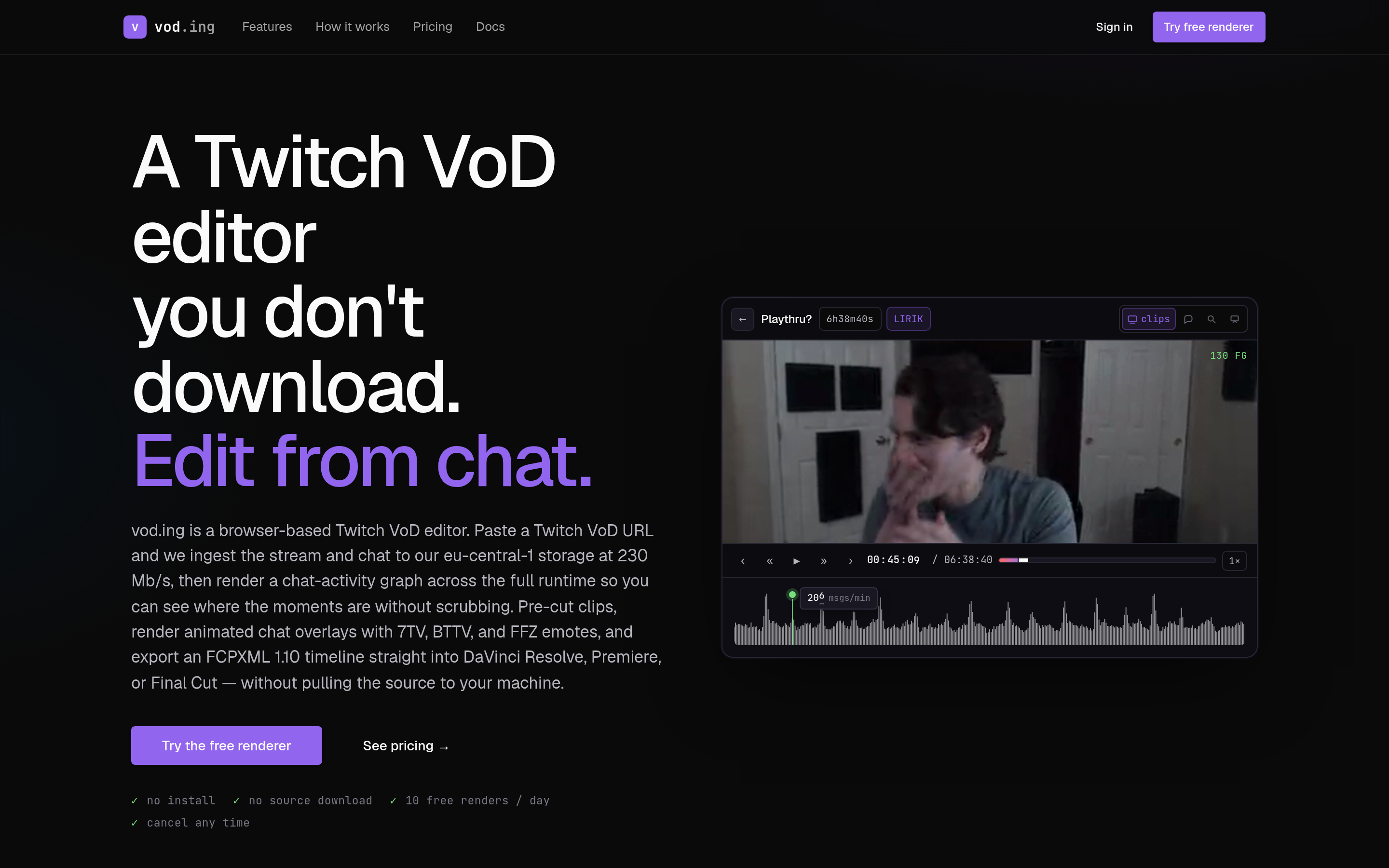
vod.ing
Editor's pickBrowser-based VOD editor that finds highlights from chat activity and renders chat overlays without ever downloading the source file.
Free chat renderer (10 renders/day, 3 min each); paid plans for full editing · Web (browser)
Read review →
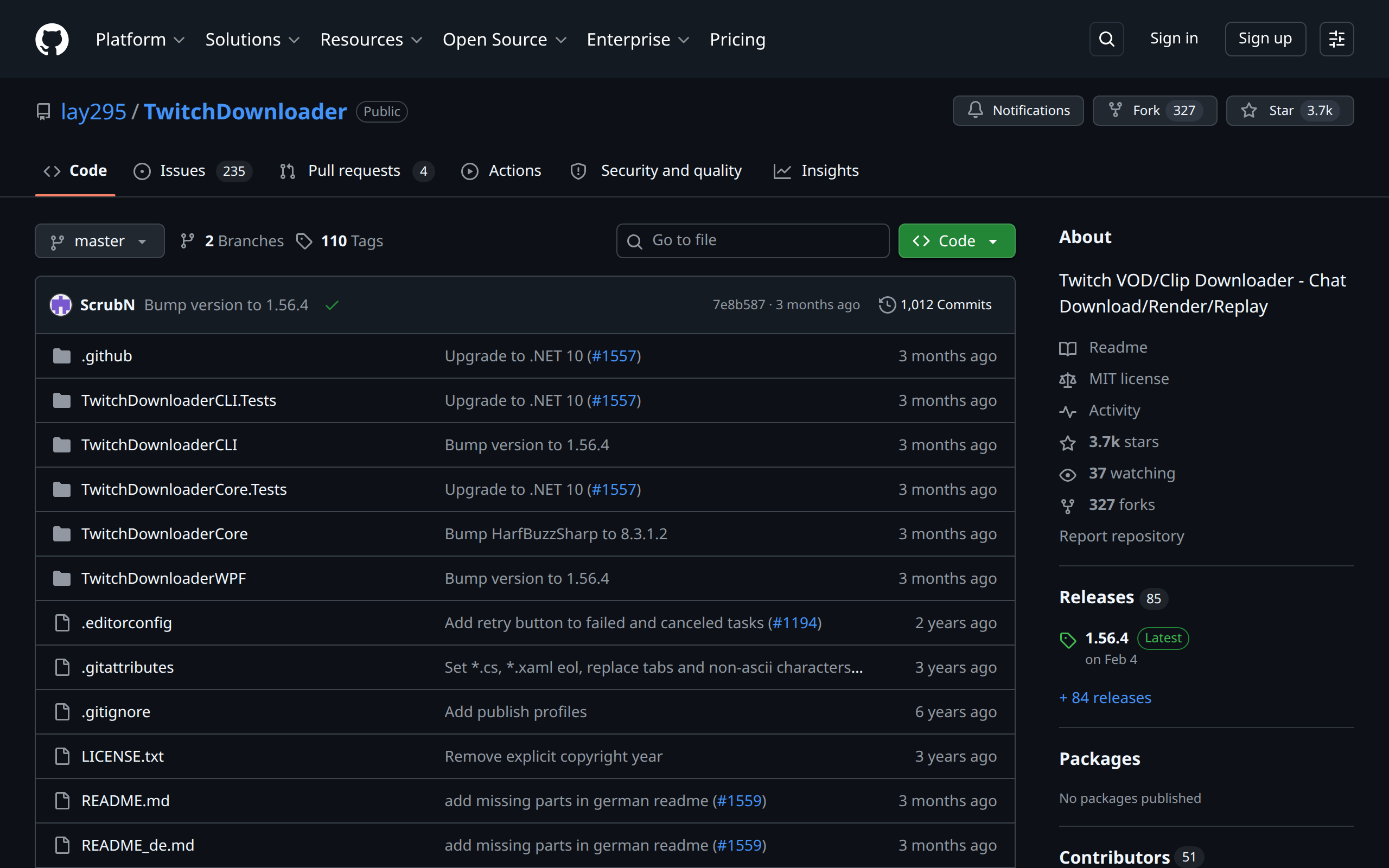
TwitchDownloader
Free, open-source CLI and GUI to download Twitch VODs, clips, and chat — and render chat overlays.
Free, open source · Windows / Linux / macOS (CLI + GUI)
Read review →
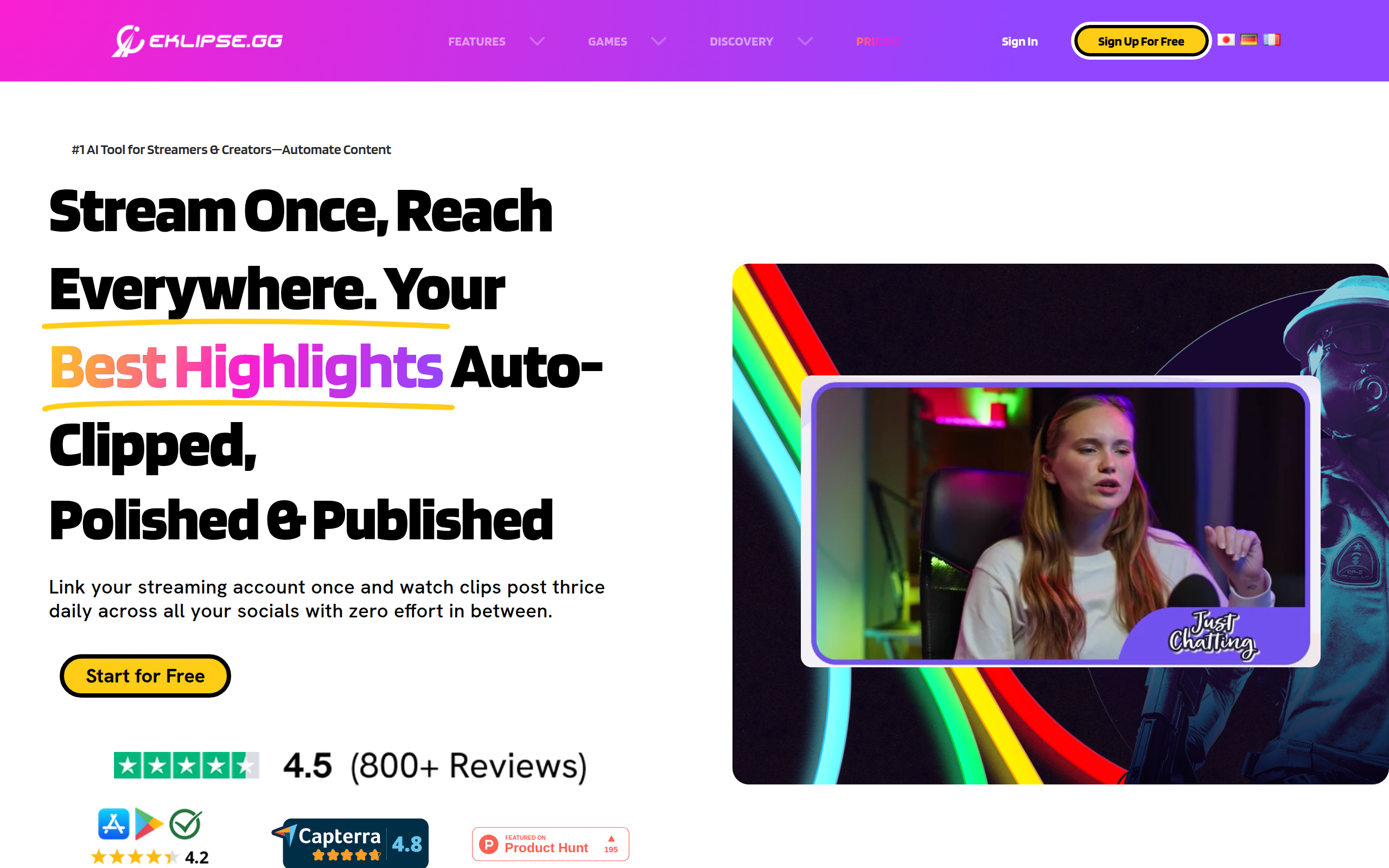
Eklipse
AI-driven highlight clipper for gaming streams — auto-detects moments and formats them for TikTok / Reels / Shorts.
Free tier (720p, 15 highlights/stream); paid plans from ~$7.50/month · Web
Read review →
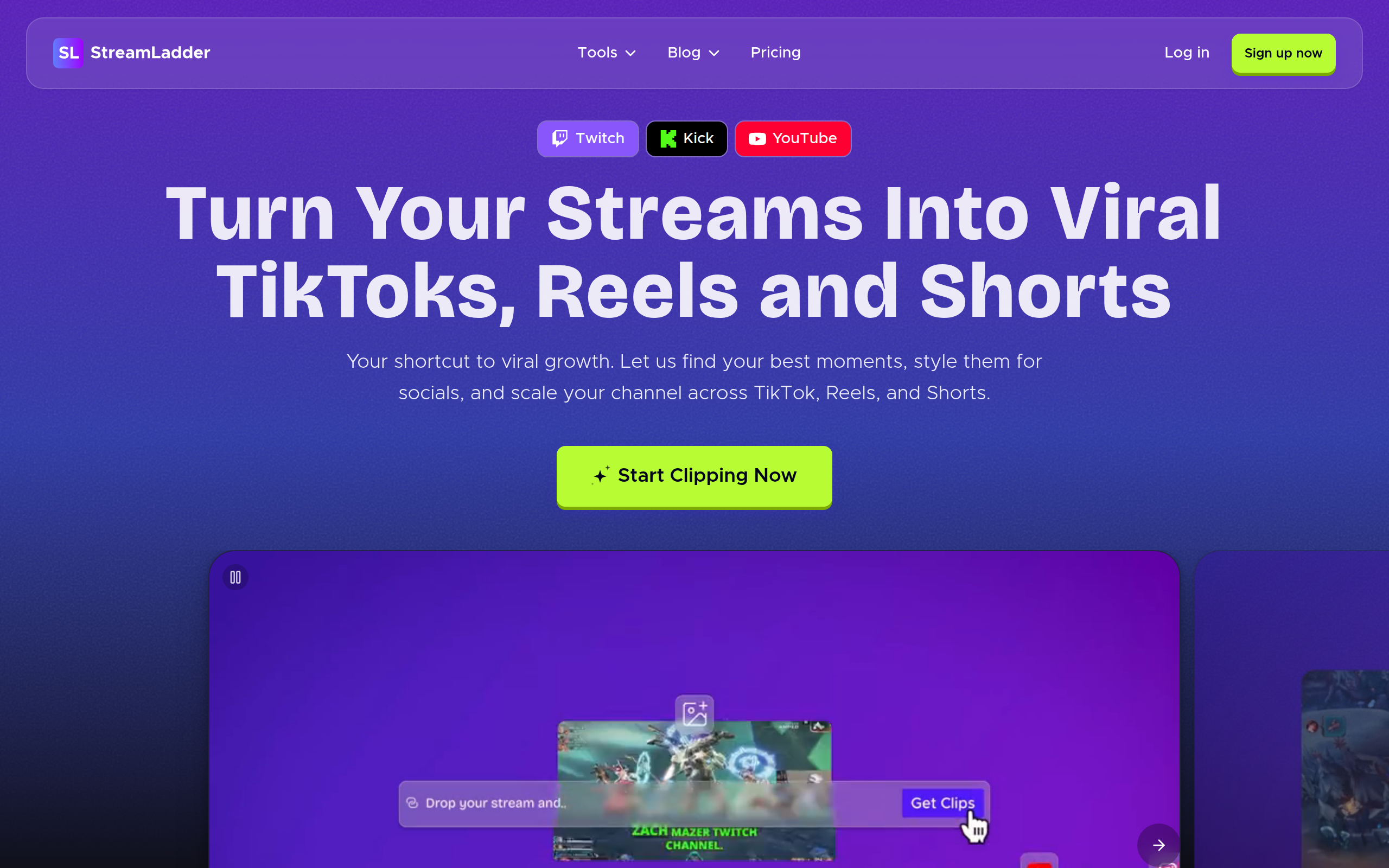
StreamLadder
In-browser editor that turns Twitch / YouTube / Kick clips into TikTok / Reels / Shorts.
Free tier with watermark; paid plans for HD + AI features · Web
Read review →
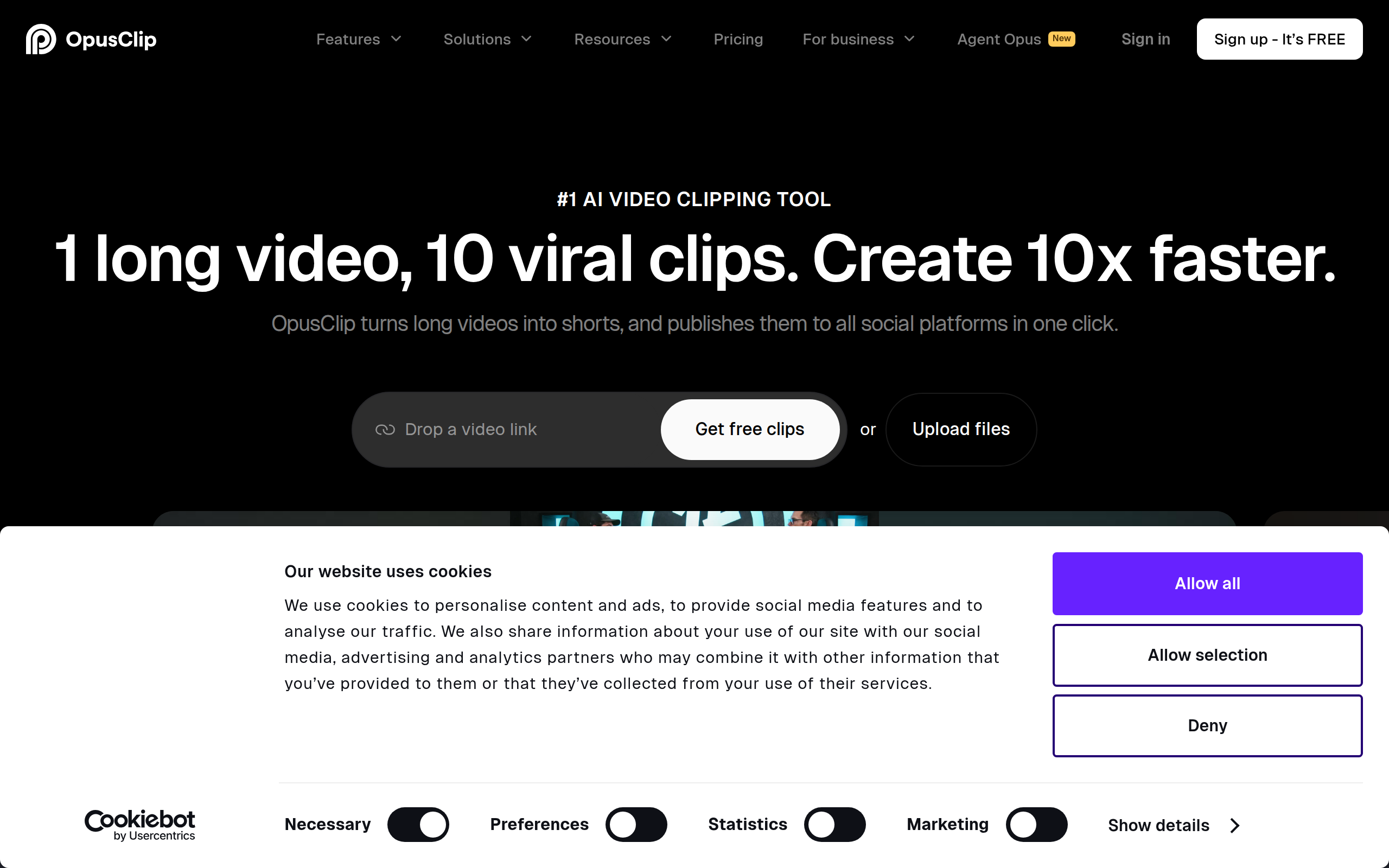
OpusClip
AI long-form-to-short-form clipper with virality-score ranking.
Free tier; paid plans for higher minute quotas + HD · Web
Read review →
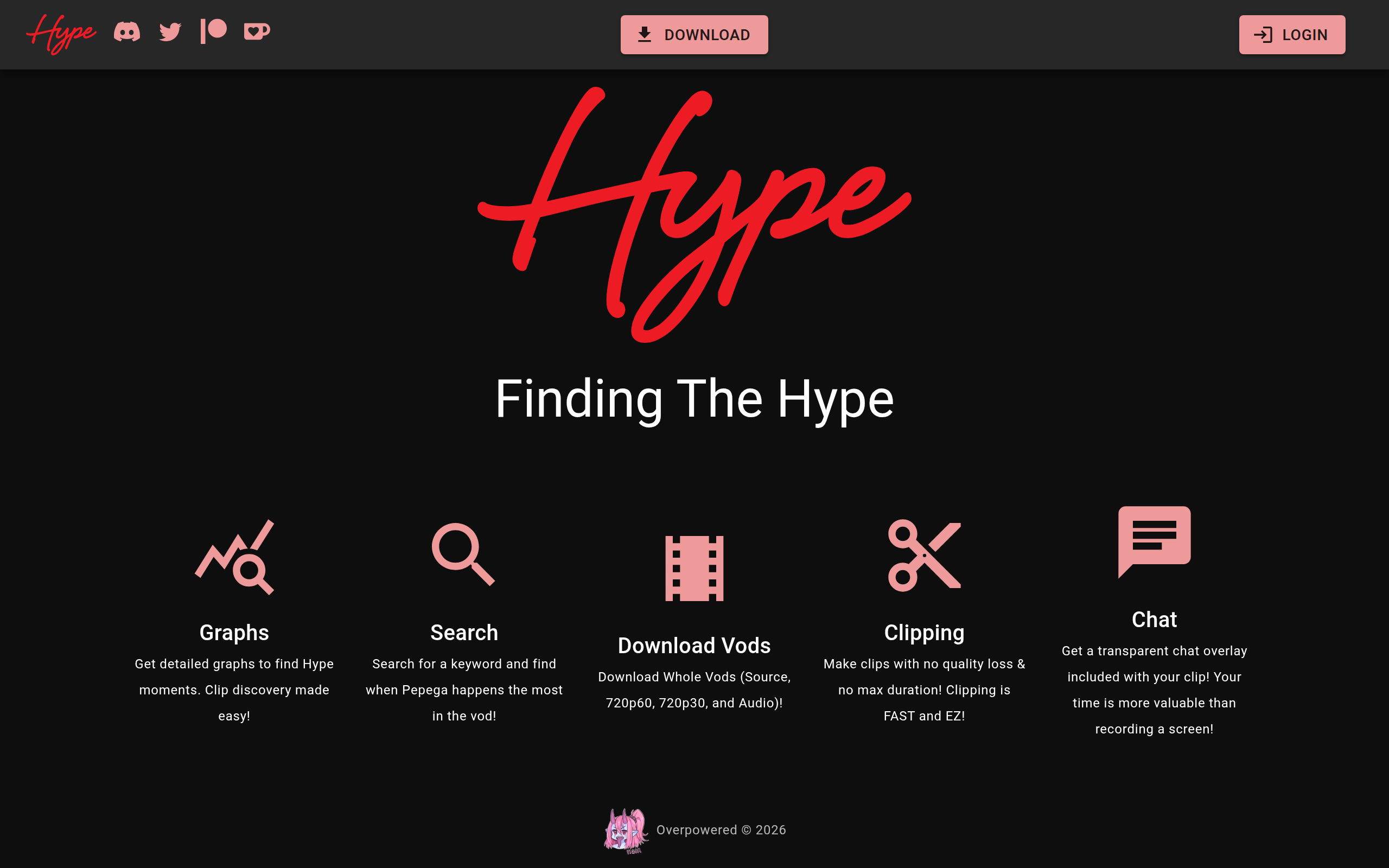
Hype
Desktop app for creating clips from Twitch VODs.
Free with Patreon whitelist; otherwise restricted · Desktop
Read review →