For Twitch editors
Practical guides for editing Twitch VODs.
Software comparisons, chat overlay tutorials, vertical-clip workflows, and how to find the moments that matter in a four-hour stream — without scrubbing it.
- Cornerstone guides
- 7
- Tools reviewed
- 6
- Updated
- 2026
Featured tool
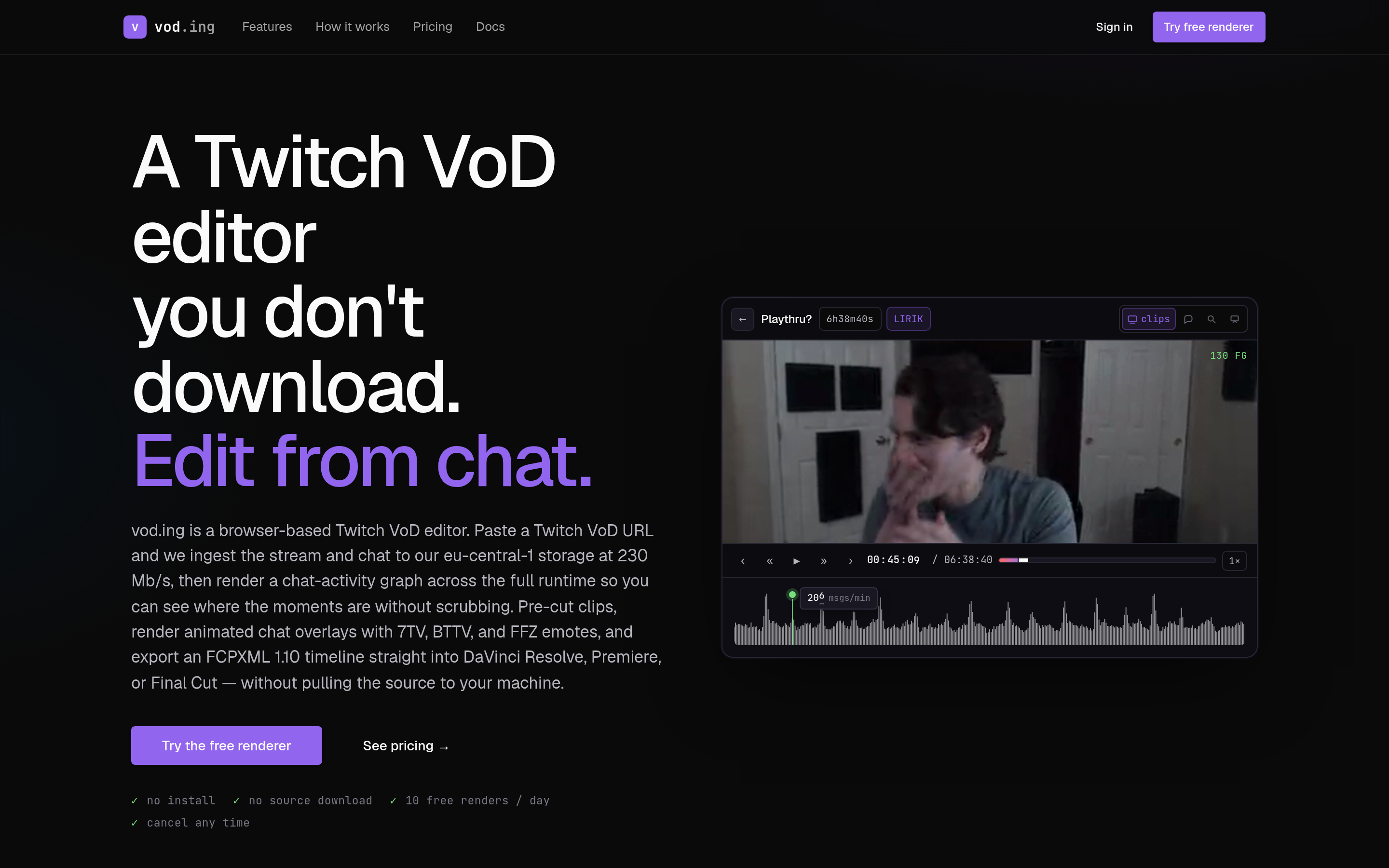
vod.ing — chat-driven highlights, no download required
Pick a topic
Five hubs cover the work from "I have a 4-hour VOD" to "I'm shipping vertical clips and getting paid".
Editing Twitch VODs
Software, workflows, and conversion to YouTube, TikTok, and Shorts.
3 guides →
Twitch Chat Overlays
Render chat as transparent video, with 7TV, BTTV, and FFZ emotes.
1 guide →
Downloading Twitch VODs
Tools, retention rules, and what to do when a VOD is already gone.
1 guide →
Becoming a Twitch VOD Editor
Rates, portfolios, finding clients, and turnaround discipline.
1 guide →
Finding the Best Moments
Chat-activity heatmaps, auto-highlight tools, and manual scrubbing.
1 guide →
Featured guides
The cornerstone pieces. Start here if you're not sure where to begin.
How to Download a Twitch VOD (2026 Complete Guide)
Every method to download a Twitch VOD in 2026 — your own past broadcasts, public VODs, sub-only, expired, with TwitchDownloader, yt-dlp, Streamlink, and browser tools.
Read guide →
Best Software for Editing Twitch VODs (2026)
Premiere, DaVinci, CapCut, Eklipse, StreamLadder, OpusClip and vod.ing — the actual tradeoffs for Twitch editors in 2026, with picks by use case.
Read guide →
How to Edit Twitch VODs in DaVinci Resolve (with FCPXML)
Full DaVinci Resolve workflow for Twitch VOD edits: ingest, proxy media, chat overlays via FCPXML import, and exporting clean masters for YouTube and Shorts.
Read guide →
How to Edit Twitch VODs for TikTok, Reels, and Shorts (2026)
Convert Twitch VODs into 9:16 vertical clips: aspect ratio, facecam framing, captions, hook structure, and the tools that automate the boring parts.
Read guide →
Find the Best Moments in a Twitch VOD with Chat Activity
Stop scrubbing 4-hour VODs. Use chat-activity heatmaps and emote-spike analysis to jump straight to the highlight moments — manual techniques and the tools that automate it.
Read guide →
Render a Transparent Twitch Chat Overlay (MOV Alpha) in 2026
Step-by-step: produce a transparent chat overlay video with 7TV, BTTV, and FFZ emote support. Covers TwitchDownloaderCLI, vod.ing, and dropping the result into Premiere or DaVinci.
Read guide →
Twitch VOD Editor Rates and Pricing (2026 Benchmarks)
What freelance Twitch editors actually charge in 2026 — hourly, per-clip, per-VOD, retainer. Benchmarks by experience level, common scope-creep traps, and how to price your work.
Read guide →
Built by editors
vodedit.ing is published by the team behind vod.ing
vod.ing is a browser-based VOD editor that finds highlights from chat activity and renders transparent overlays without ever pulling the source file. We mention it in articles where it actually fits — every other tool here gets an honest review too.